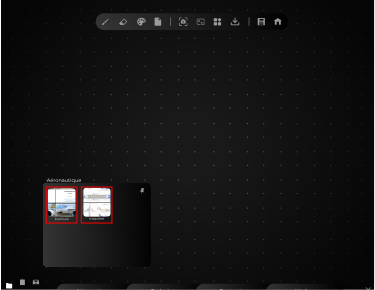
Create your first workspace
Preparing the Workspace
By default, the scena-workspace is located in the file explorer at this location:

In this workspace, start by creating a folder that will be the name of your workspace.
For example: Mon Univers
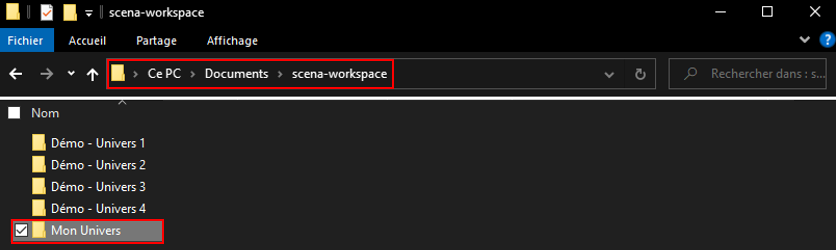
Basic workspace
Creating Directories
Now that you have located your workspace, proceed to create directories where you will add your various contents.
For example:
Aéronautique
Ecologie
Economie
Médias
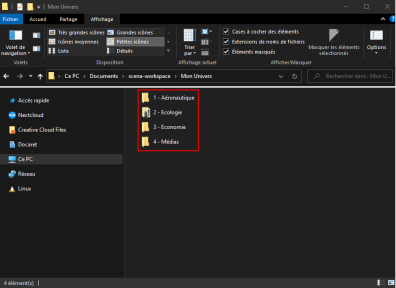
Directories will be displayed alphabetically by default, but if you want to organize them differently, you can number them to arrange them in ascending order
(These numbers are not part of your workspace and only serve to structure the display of directories)
Adding Contents
After setting up your directories, include content from your internal resources (document databases, local or online storage…)
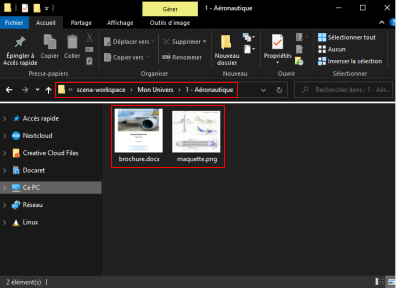
For example, place a brochure in Microsoft Word format and an image in PNG format in the directory: 1 - Aéronautique
brochure.docx
maquette.png
View the Result
Once your workspace preparation is complete, launch the Scena application.
On the homepage, select: Mon Univers
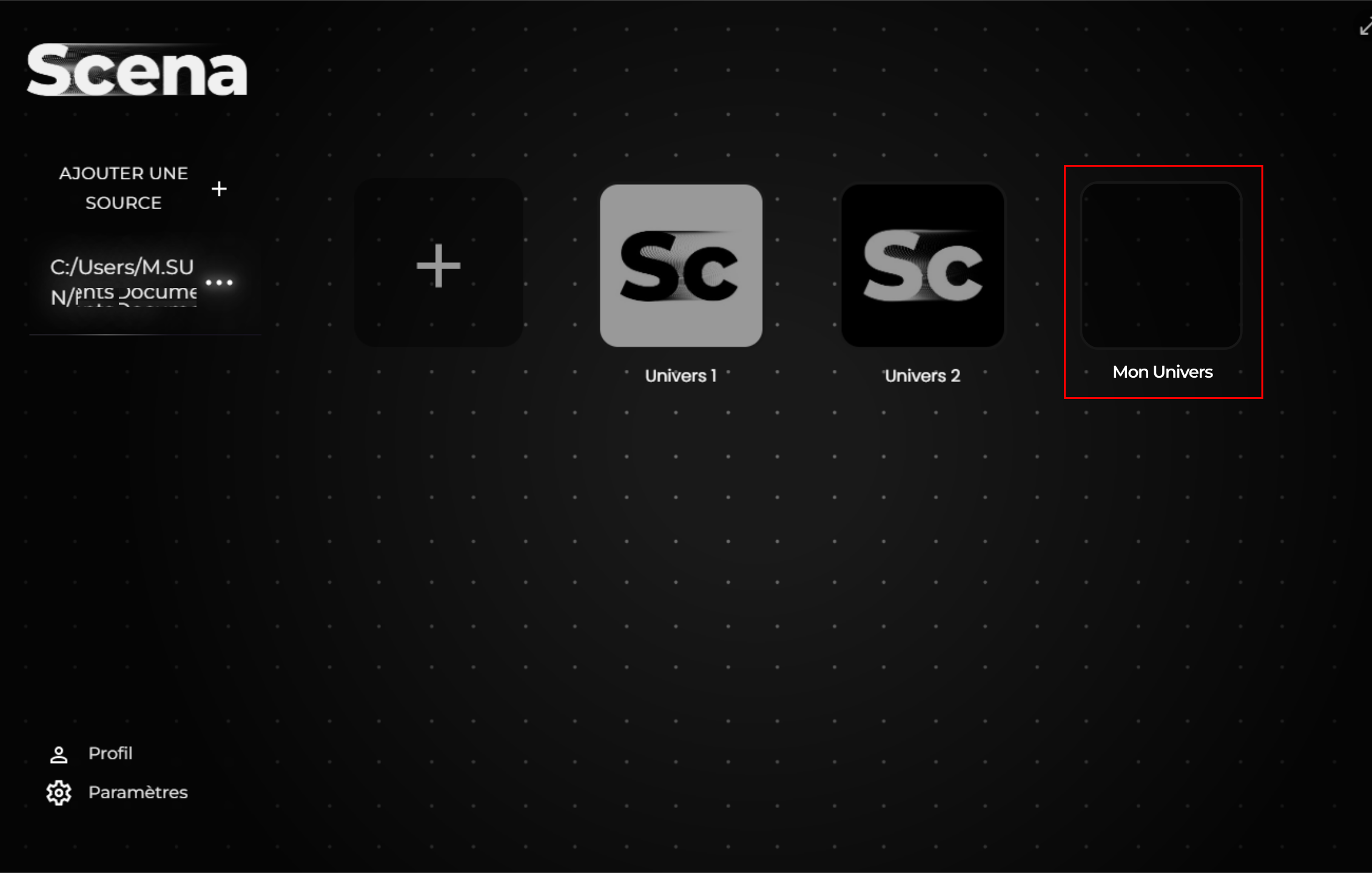
Check that all contents and directories appear correctly in the application.